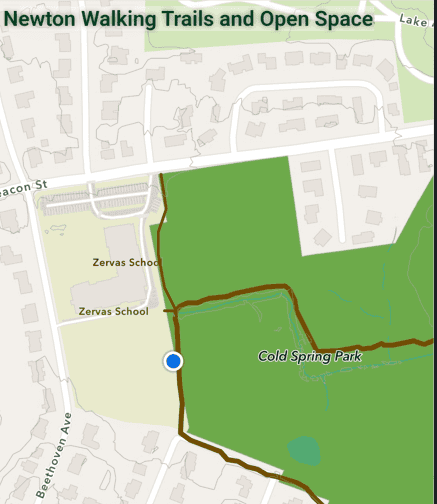
The City of Newton GIS Office publishes the Newton Walking Trails and Open Space map, which can be viewed using the web browser on any device.
The map includes some of the features found in the maps on this website and in the Avenza map called Newton Trails Map.
The city map, when opened on a cell phone, can display the user’s location as a blue dot. But getting the blue dot to appear takes a bit of work.
Here’s a view of the map on a cell phone:
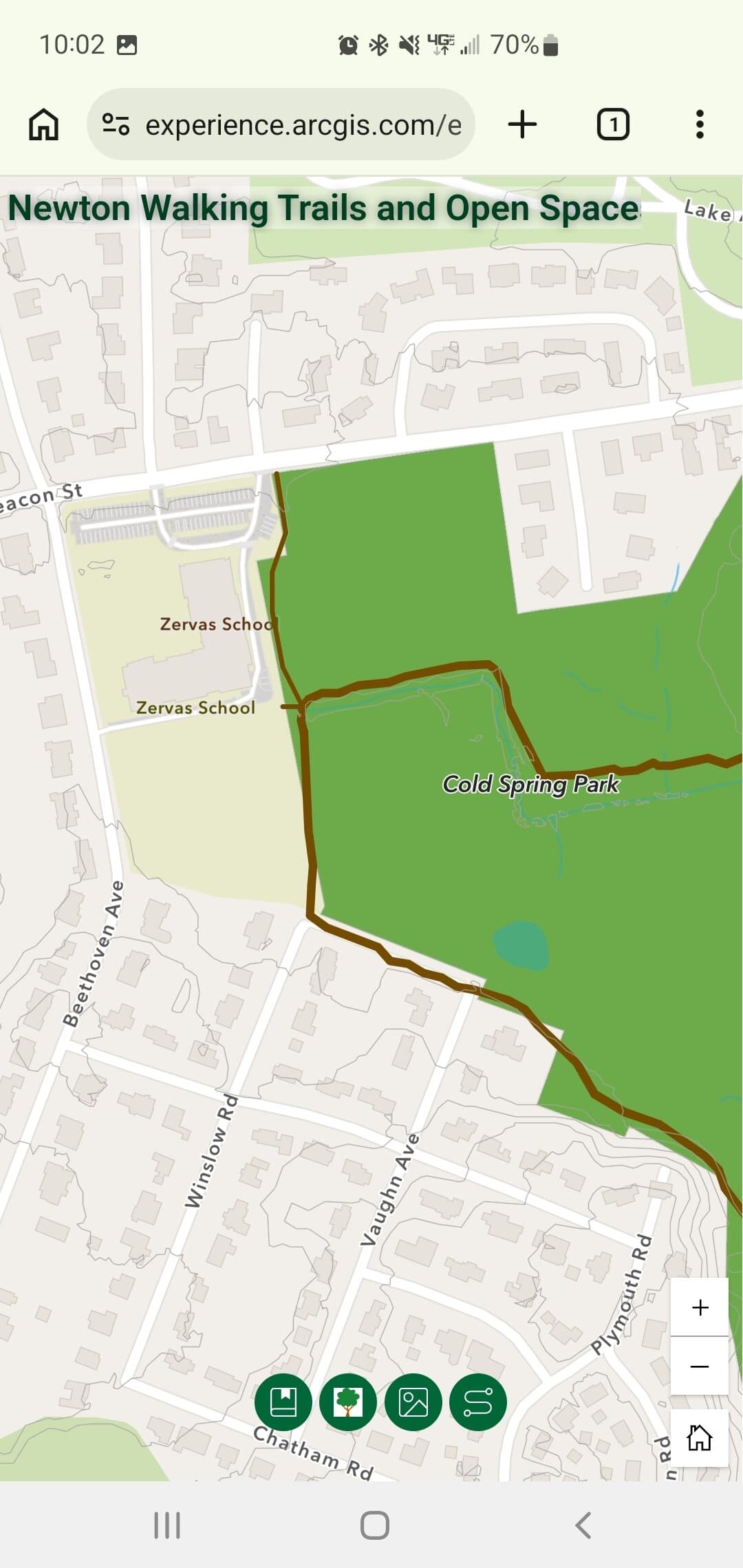
Note the row of icons at the bottom:
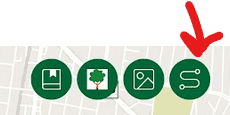
Tap the right-most button. The bottom of the scrren will now look like this:
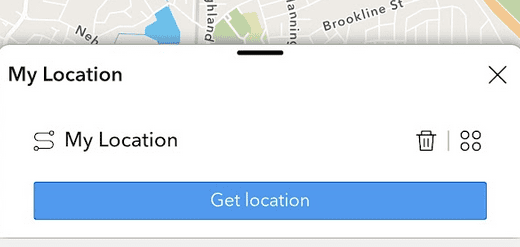
Tap the “Get location” bar. Your location should now appear as a blue dot on the map: